How to change user’s pin code via CSV
- Log in to your tenant. From the dashboard, select ‘user’
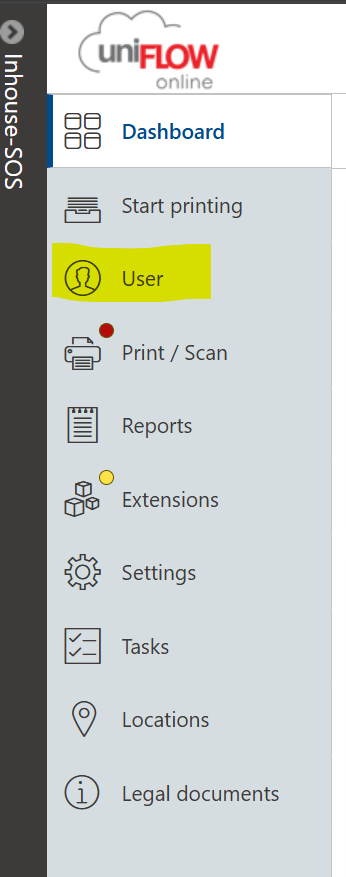
2. From ‘users’ select ‘bulk action’ above the top ribbon

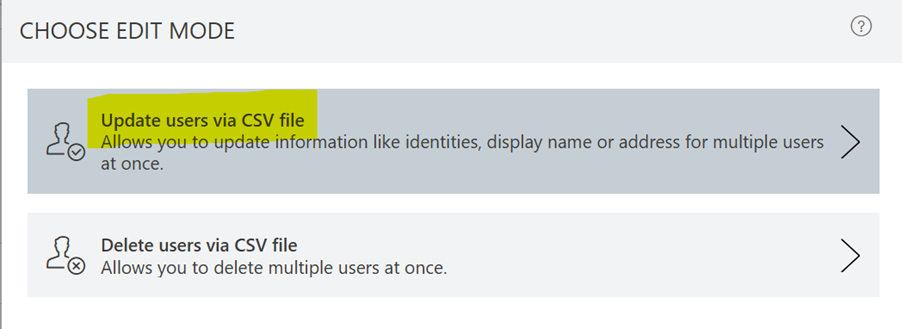
From here, choose ‘update users via CSV file’
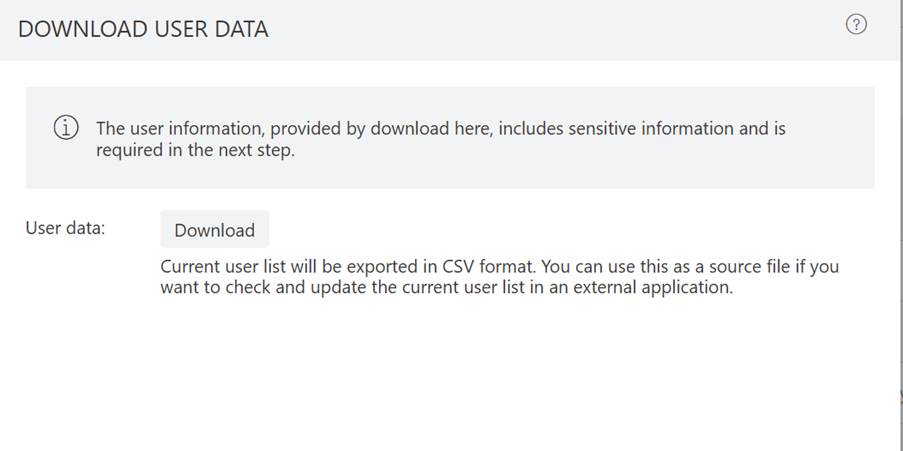
3. From here, you will see the option to ‘download’ the CSV
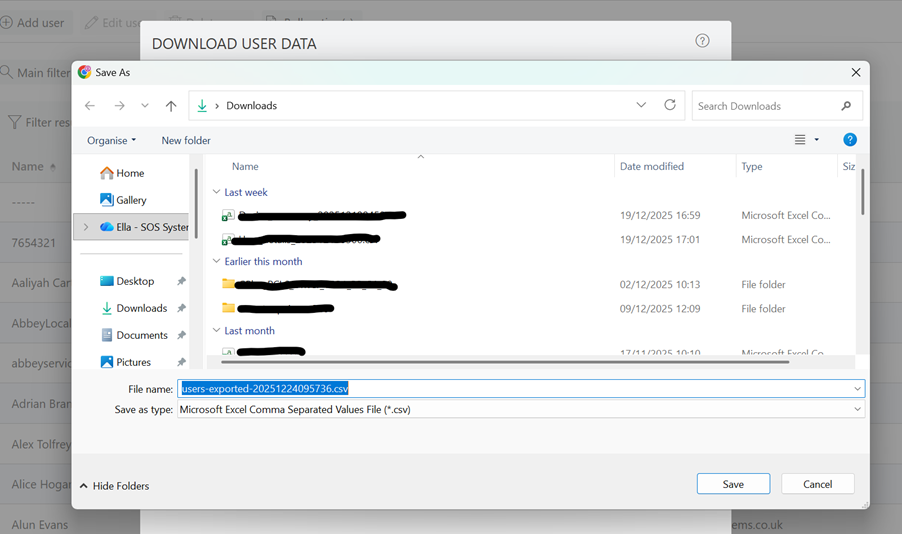
Save the download to your files
4. Open the file that you have saved. In here, look for the user you want to change – I have done control + F to find the user I am looking for –
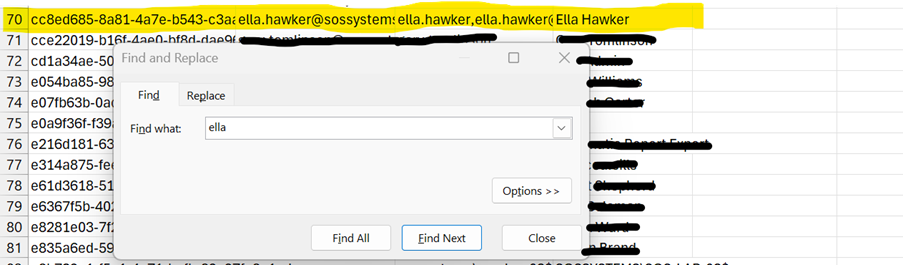
Once you have found the user you want to edit, control + A and remove the other users / rows from the spreadsheet. Then, you can enter a new pin code in the cell for pin codes.
Save this to your files once edited.
5. Head back to the tenant, and upload your edited CSV file in bulk options - 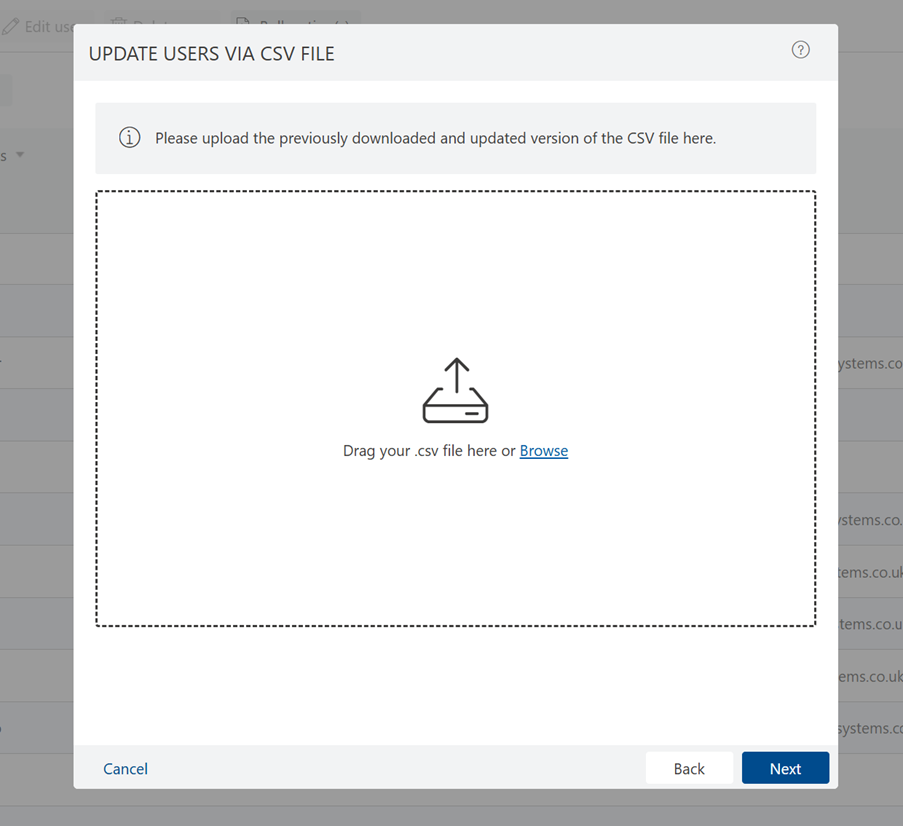
Once uploaded, you will need to verify your tenant serial number to make these changes
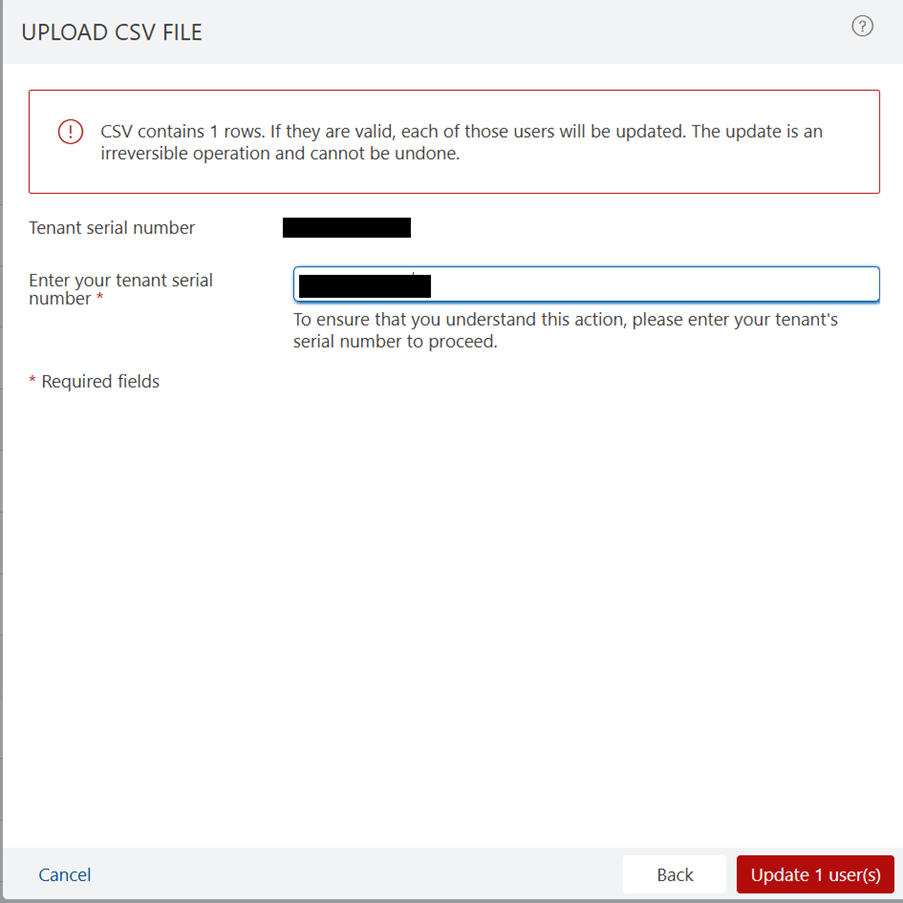
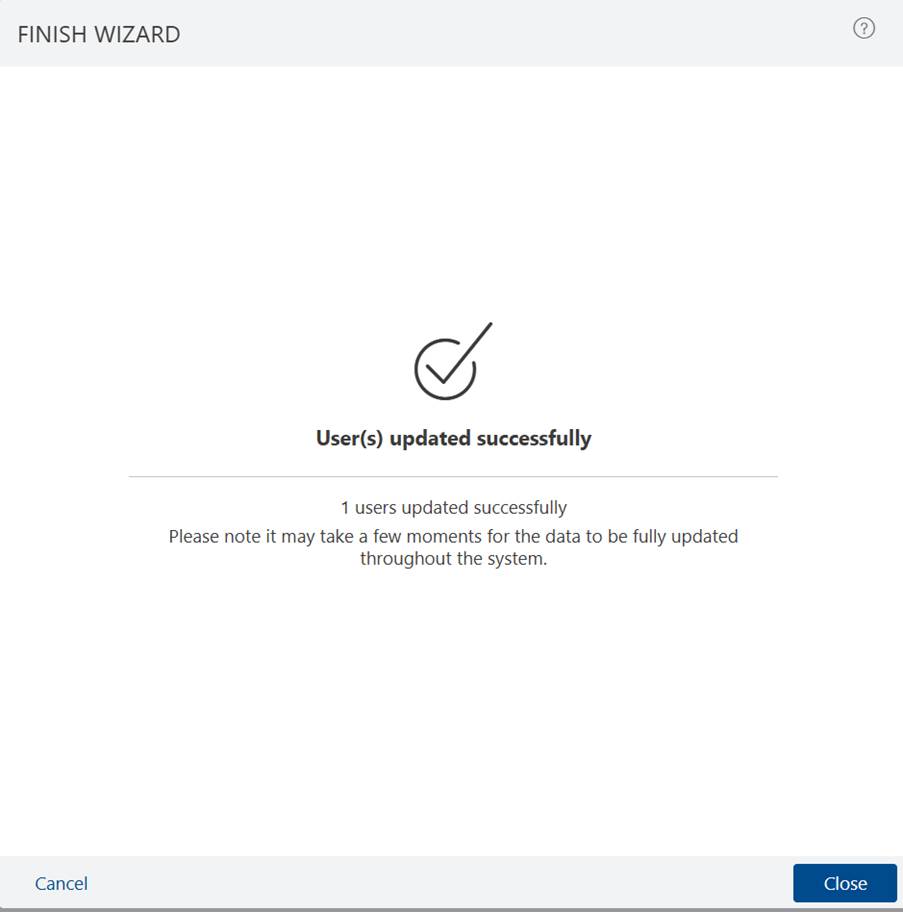
6. After verifying, chose ‘update users’. You have then successfully changed a user’s pin via CSV.
Was this article helpful?
That’s Great!
Thank you for your feedback
Sorry! We couldn't be helpful
Thank you for your feedback
Feedback sent
We appreciate your effort and will try to fix the article